How to keep your child safe online
5 ways to help keep your child’s online experiences positive and safe.

As your child grows, it is likely they are spending more and more time online.
There are so many positive things about being online like staying connected with friends and family, pursuing interests, and being part of communities. But it is not always a safe and positive experience for children.
Here's how you can help your child maximize all the good things the internet and digital technologies have to offer, while protecting them from potential harm.
1. Set clear rules
Have honest conversations with your children about who they communicate with and how, and who can see what they post online.
Explain that anything that goes online – pictures, videos, comments, things they share with others and what others post and share with them and about them – leaves behind a trail of information about them. To make sure they’re leaving a positive “digital footprint”, they should be mindful about what they do and say online.
Make sure they understand that discriminatory or inappropriate contact is never acceptable. No one should spread rumours or share hurtful or embarrassing stories or photos. What may seem like a harmless joke to one person can be deeply hurtful to others.
If your child experiences something online that makes them feel upset, uncomfortable or scared, encourage them to tell you or a trusted adult immediately.
Children often ‘know’ the perpetrators of online harassment or abuse, so it is important to help them to be alert and know how to respond to any problematic behaviours they encounter online.
Work with your child to establish rules on how, when and where to use devices.
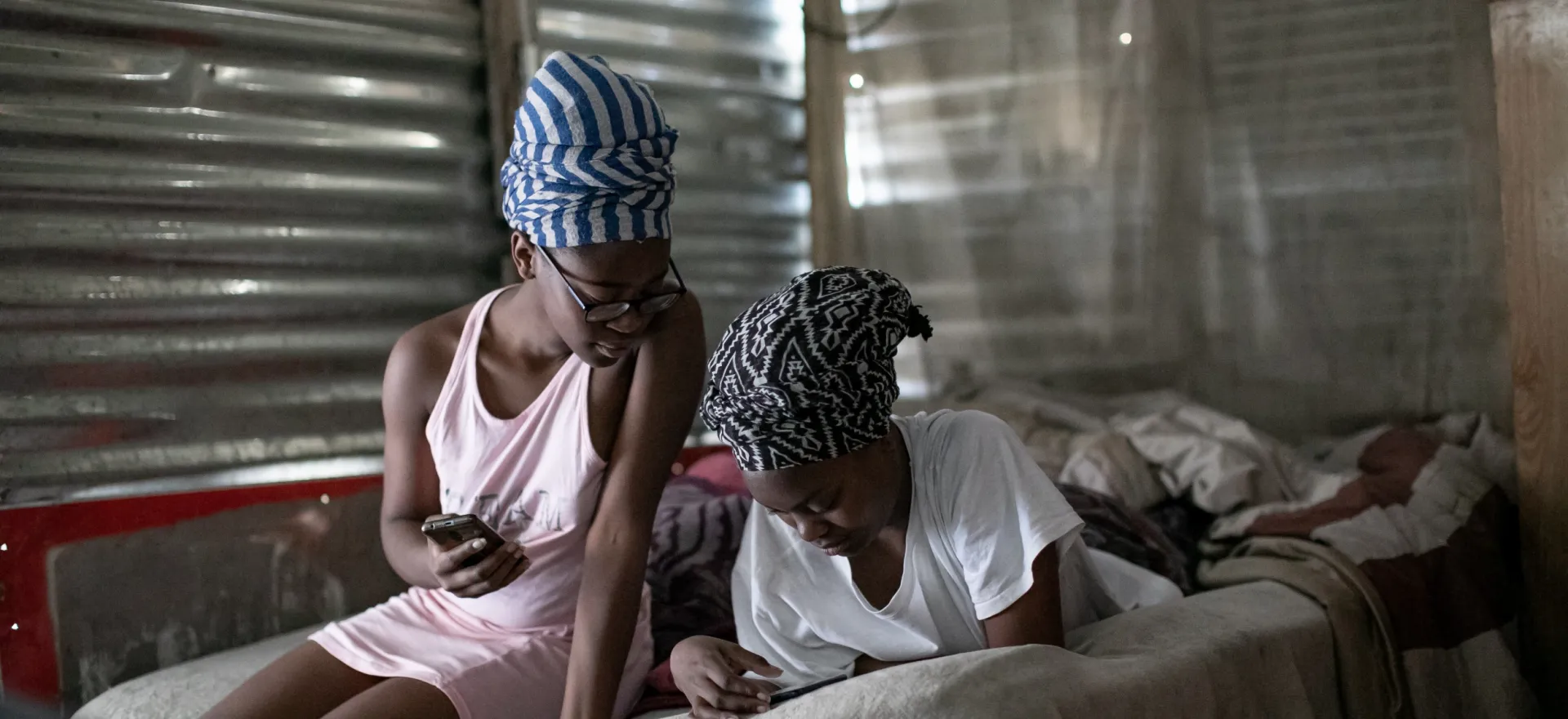
UNICEF/UNI363400/Karin Schermbrucker
Think before you post
Think twice before you post anything online, especially if you’re upset or angry. Once you share a message, photo or video, it’s hard to control what happens to it. Taking it down is nearly impossible.
And remember you have the right to privacy – and so do others. It is not okay to log into other people’s accounts, use their phones without their permission or share their information or photos.
2. Use technology to protect them
Check that your child’s device is always updated and running the latest software, and that privacy settings are on and configured to minimize data collection so that people don’t see any information that you don’t want them to see.
Help your child learn to keep personal information private. If your privacy settings are not secure, anyone can see your information.
Keep webcams covered when not in use. For younger children, tools such as parental controls like safe search, can help keep online experiences positive.
Be cautious of free online resources, including educational ones. If your child is asked to provide a photo or their full name, be sure it is a trusted website.
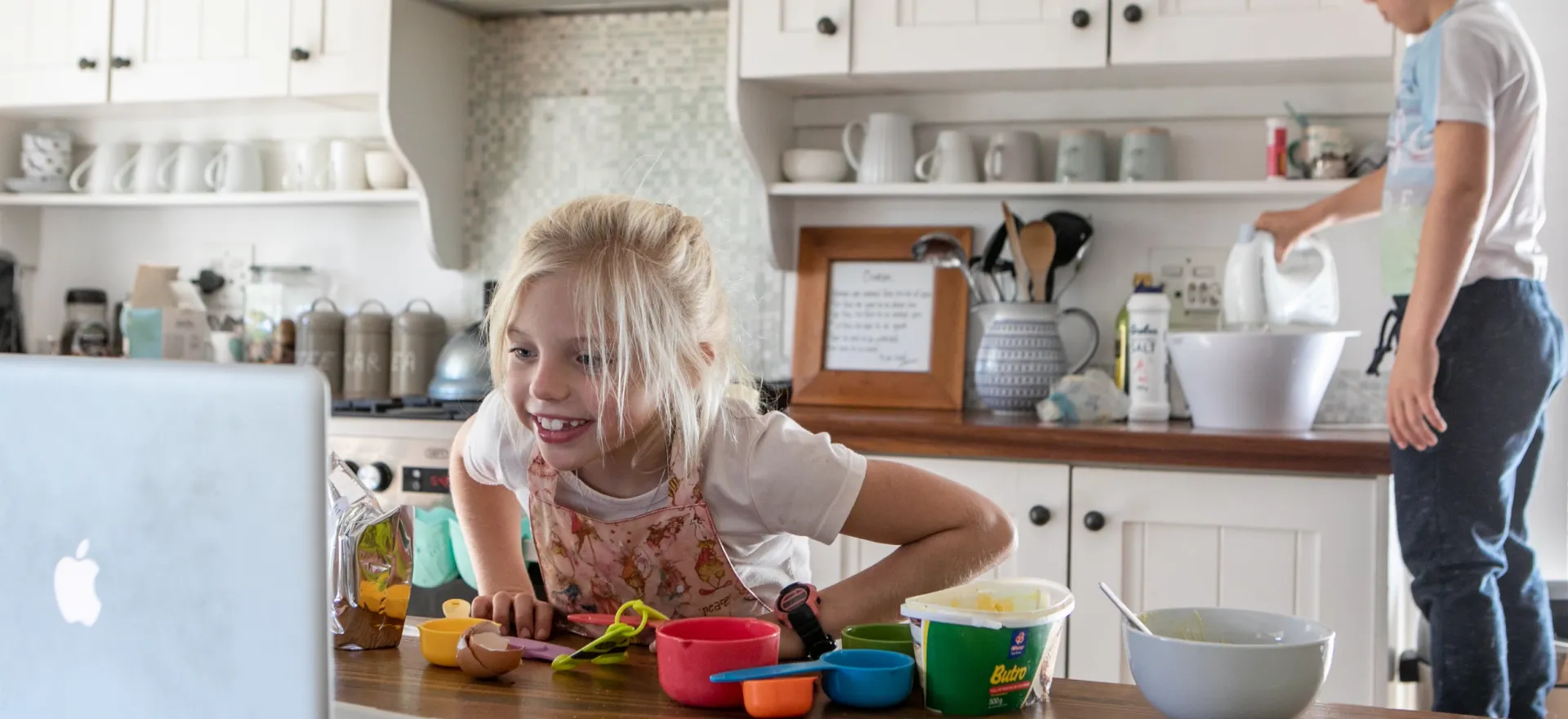
UNICEF/UNI321249/Karin Schermbrucker
Think before you share
You can change the privacy settings on your social media platforms to help you control who sees your information – including your locations.
Think carefully about what you share. Don’t share personal information like your address, phone number or bank details. And don’t share your passwords with anyone – not even with close friends!
3. Spend time with them online
Create opportunities for your child to have safe and positive online interactions with friends, family and you. Connecting with others is a great way for you to model kindness and empathy in online interactions.
Help your child recognize and avoid misinformation and disinformation, age-inappropriate content and content that can potentially cause anxiety or harm. Introduce them to trustworthy sources of information.
Children can be exposed to advertising that may promote unhealthy foods, gender stereotypes or age-inappropriate material. Help them to recognize online ads and use the opportunity to explore together what is wrong with some of the negative messaging you see.
Spend time with your child to identify age-appropriate apps, games and other online entertainment. Be alert for apps that may have harmful content or pose privacy risks.
4. Model healthy online habits
Promote positive online behaviour by practicing it yourself. Be mindful of the example you set and what you share online about your child, including their photos and videos.
Encourage your child to be kind online and to support friends and family by sending positive messages or emojis.
If they have classes online, encourage them to be respectful of others and to be mindful of what can be seen on camera to maintain privacy.
Be alert if your child appears to be upset or secretive with online activities. Reassure them that experiencing abuse or harassment is never their fault and they shouldn’t keep it a secret.
Familiarize yourself with their school’s digital learning policies and know how to report cyberbullying or inappropriate content. Check out programmes like Web Rangers which equip children with the skills and knowledge to stay safe online.

UNICEF South Africa/Rautenbach
Think before you accept
Before you accept a friend request you should have a look at their profile – and try to see who they are. Do you have friends in common? Are you from the same town?
Don’t feel pressured to accept random friend requests. Sometimes people pretend to be someone they are not, and it’s hard to know if they are telling the truth.
5. Let them have fun and express themselves
Spending time online can be a great opportunity for your children to be creative, learn, use their voices to share their views and support causes that are important to them.
Encourage your child to use resources on the internet to help them get up and get moving, like online exercise videos for children and video games that require physical movement.
Remember to balance online activities with an active lifestyle and offline recreation for a healthy balance in all aspects of life.
Children have the right to feel safe on the internet. If you are worried about your child’s safety online, speak to their school or call Childline on 116 for help.